Life


Share
Published 16:03 19 Oct 2015 BST
Updated 16:27 19 Oct 2015 BST
Explore more on these topics:
 Image: Trump via lolworthy
Want in on the secret?
Simply go into your phone’s ‘Settings’, and go into the ‘General’ tab. Select ‘Date and Time’ and switch the ‘Set Automatically’ button off.
You can then manually enter your phone’s date – which means if you noticed your lens has since disappeared, just enter a date from a week or two before to restore that rainbow love to your Snapchat account.
Mashable tried and tested their theory and discovered by setting your phone to September 15th (the day the lenses appeared) you can access all the originals.
Tired of these lenses? Switch your phone’s date back to automatic and your Snapchat will go back to featuring current lenses.
Who needs a time machine, eh?
H/T Mashable
Image: Trump via lolworthy
Want in on the secret?
Simply go into your phone’s ‘Settings’, and go into the ‘General’ tab. Select ‘Date and Time’ and switch the ‘Set Automatically’ button off.
You can then manually enter your phone’s date – which means if you noticed your lens has since disappeared, just enter a date from a week or two before to restore that rainbow love to your Snapchat account.
Mashable tried and tested their theory and discovered by setting your phone to September 15th (the day the lenses appeared) you can access all the originals.
Tired of these lenses? Switch your phone’s date back to automatic and your Snapchat will go back to featuring current lenses.
Who needs a time machine, eh?
H/T Mashable
Life

Life

Life

Life
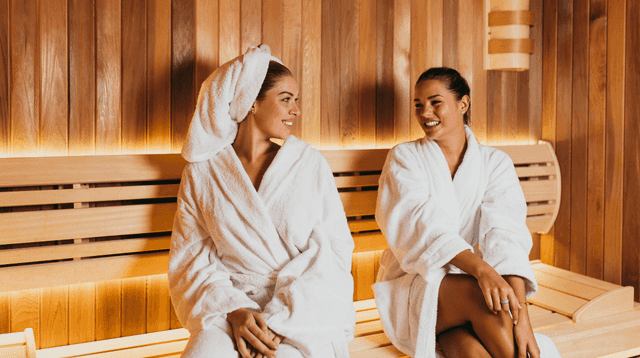
Are saunas actually good for you? Here’s what experts have to say
Experts have confirmed whether saunas are actually good for our health. In Ireland, the use of saunas is becoming an increasingly popular pastime. As the Finnish custom becomes widespread across the country, people have been left wondering if it’s actually good for our health. Associate Professor of Extreme Environments at the University of Portsmouth, Dr […]
Life
6 days ago
Aspiring to launch your career? Then look no further than Ireland’s tourism sector
Brought to you by Fáilte Ireland Be part of the magic that makes Ireland a wonderful place to enjoy a short break. Deciding what career path you want to take post-school can be tough and filling out your CAO can be super daunting. Imagining a role that matches with your own ambition or envisioned lifestyle […]
Life
6 days ago
Shoppers praise budget-friendly fire pit that’s at its ‘lowest price’ in months
Life